> ## Documentation Index
> Fetch the complete documentation index at: https://docs.gcore.com/llms.txt
> Use this file to discover all available pages before exploring further.
# Change autoscaling limits
Each pool has minimum and maximum node counts that determine the limits within which autoscaling operates. The limits can be changed at any time to reflect a different expected workload.
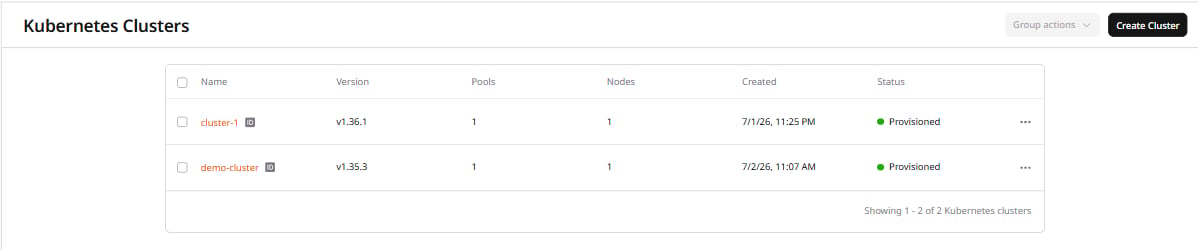
1\. In the [Gcore Customer Portal](https://portal.gcore.com), navigate to **Cloud** > **Managed Kubernetes**, then click the cluster name.
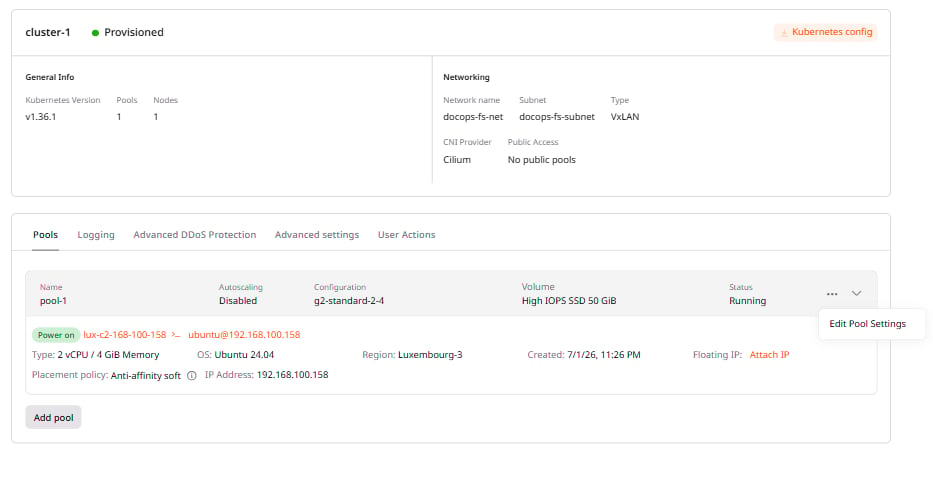
 2\. Open the **Pools** section, click **⋯** next to the pool, and select **Edit Pool Settings**.
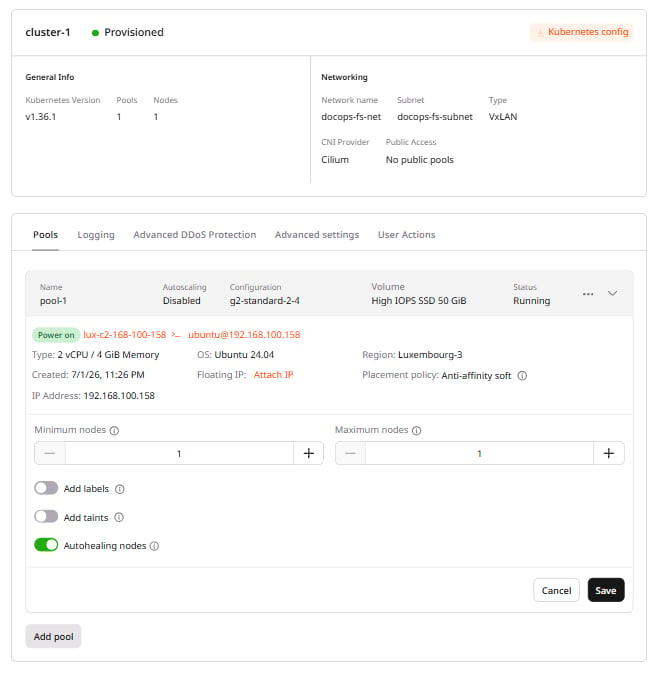
 3\. Enter the **Minimum nodes** and **Maximum nodes** values, then click **Save**.
 After saving, the new limits take effect:
* If the specified count is higher than the current number of nodes, the system deploys new ones.
* If the specified count is lower, the system removes redundant ones.
After saving, the new limits take effect:
* If the specified count is higher than the current number of nodes, the system deploys new ones.
* If the specified count is lower, the system removes redundant ones.